How to register your ShoutCast stream with an Authhash
June 26, 2026
2
11
In older versions of ShoutCast, especially when ShoutCast v1 was still widely supported, getting your station listed on Shoutcast.com was very straightforward. In most cases, all you had to do was set your stream server as public, and the listing process was handled automatically.
However, this changed with newer ShoutCast versions. Since the changes introduced around ShoutCast v2.5, stations are now required to register directly with ShoutCast, similar to how registration works with many other radio directories. After completing the registration process, ShoutCast provides you with a unique Authhash, which must then be added to your streaming server configuration.
The Authhash is used to identify and authorize your station for listing in the ShoutCast directory.
This guide only applies to ShoutCast Version 2.6 (which is offered by us). If you are using ShoutCast Version 2.5 or earlier, you will not be able to create a new Authhash using the current ShoutCast registration system. In that case, you may need to upgrade your ShoutCast server software before continuing.
Please also note that when you add an Authhash to your server configuration, ShoutCast may limit your stream bitrate to 128 kbps. This restriction is imposed by ShoutCast directly and cannot be changed from our side.
If the 128 kbps bitrate limit is not suitable for your station, you may want to consider switching your streaming platform from ShoutCast to Icecast, which does not require an Authhash for directory listing in the same way.
An Authhash is a long authorization code generated by ShoutCast when you register your station through the ShoutCast RadioManager platform.
This code links your stream server with your ShoutCast RadioManager account and allows your station to be listed on the ShoutCast website. It may also be required if you want to use additional ShoutCast services, such as RadioManager features or monetization options.
In simple terms, the Authhash tells ShoutCast that your server is registered and allowed to appear in their directory.
No, an Authhash is completely optional. Your ShoutCast server will continue to work without an Authhash, and listeners will still be able to connect to your stream using your direct stream URL.
The main difference is that without an Authhash, your station will not be listed publicly on the ShoutCast website. This means listeners browsing Shoutcast.com by genre or station name will not be able to discover your stream there.
You only need an Authhash if you want your station to appear in the ShoutCast directory.
To generate an Authhash, you need to register your station through the ShoutCast RadioManager platform. Once the server has restarted and the Authhash has been accepted, your station registration is complete.
https://radiomanager.shoutcast.com/register/serverSoftwareFreemium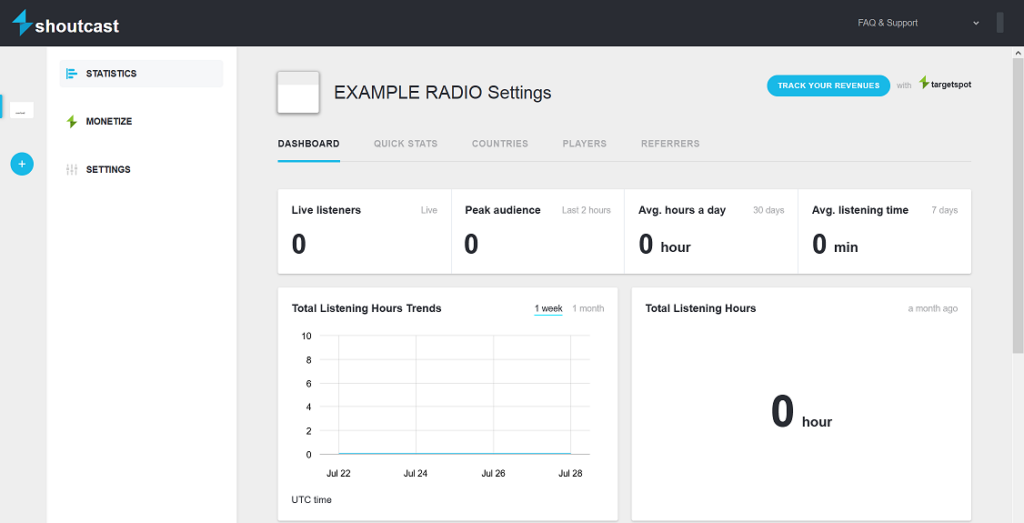
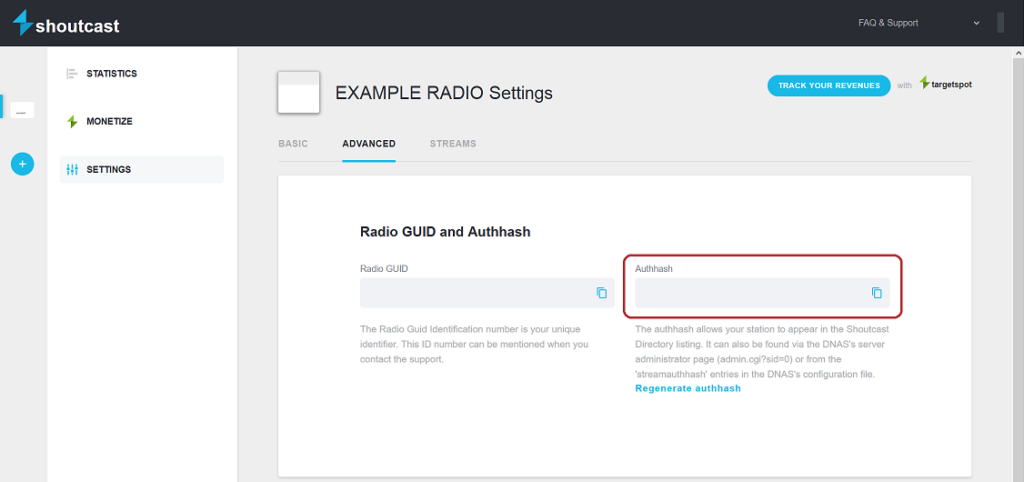
After your Authhash has been added successfully, your stream should become eligible to appear on Shoutcast.com under the genre or genres selected during registration.
Please allow some time for the listing to appear, as directory updates may not happen instantly. If your station does not appear immediately, check that:
If everything is configured correctly, your station should be listed in the ShoutCast directory and available for listeners to discover through shoutcast.com.
I did this exact thing and the site doesn’t proceed past step 3
I registered and login to radio manager , only show me to add radio .. I did follow forms and for end enter .. nothing happen .. 4 Day stay like this never setup or add radio ..